
Pela
Translate the moment.
Understand what it means. Know what to say. Remember it later — across your phone, your Mac, and the web.

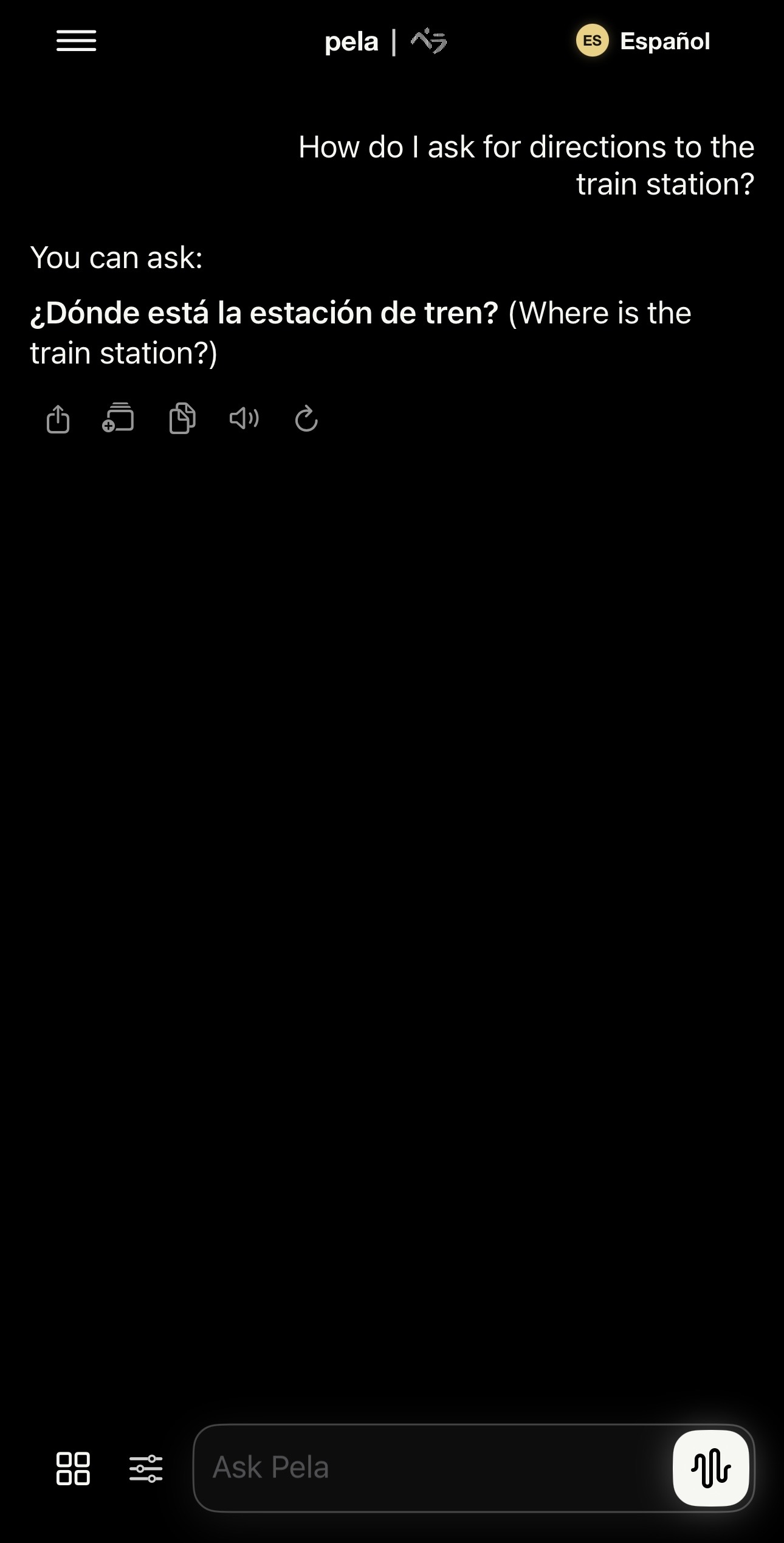
A Tutor That Responds Your Way
Ask questions, practice real situations, and understand why the language works.
- Tailored responsesChoose tone, script, and language.
- Voice practiceSpeak, listen, and hear pronunciation.
- Custom language modelsTrained for each language’s patterns, scripts, and pronunciation.

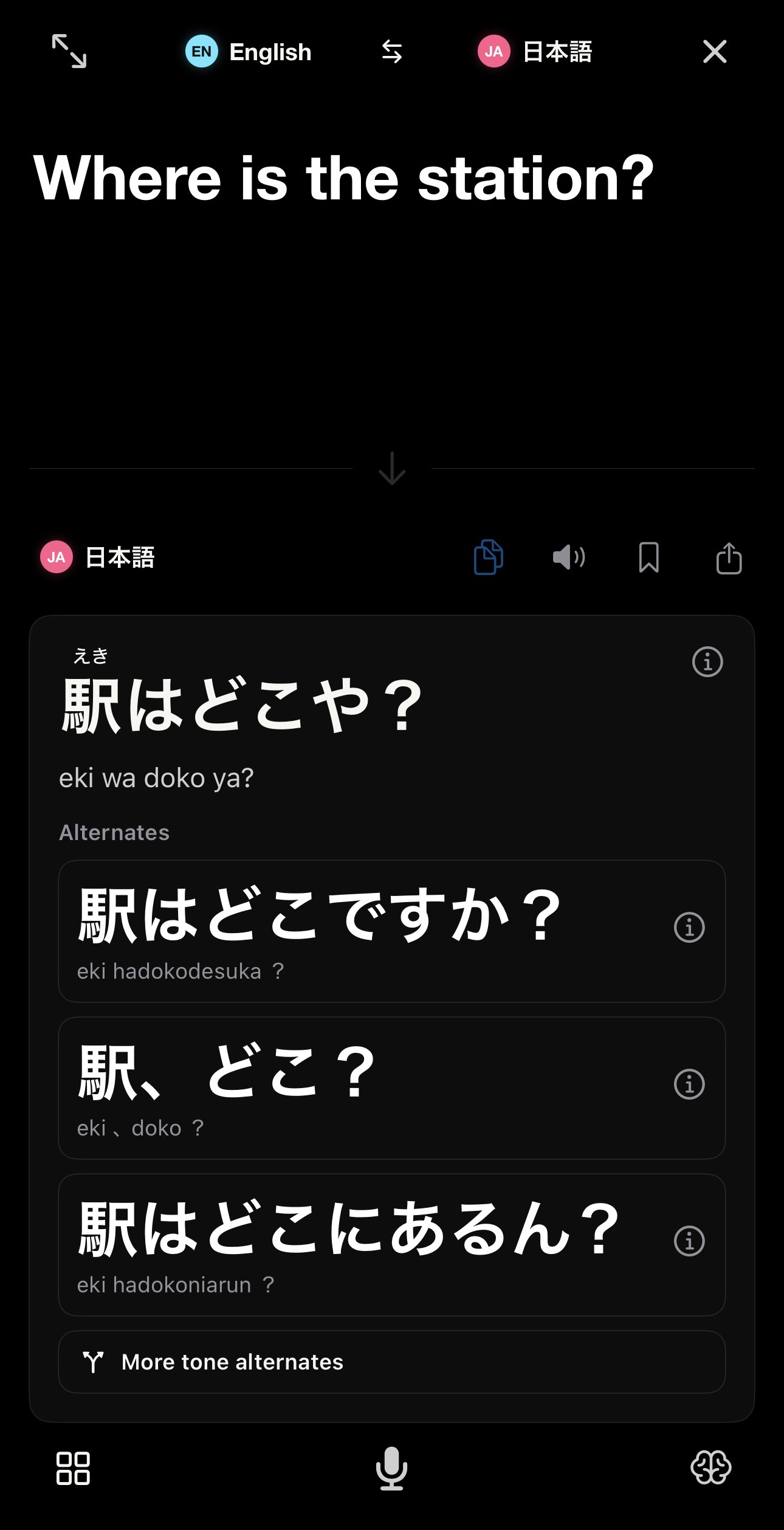
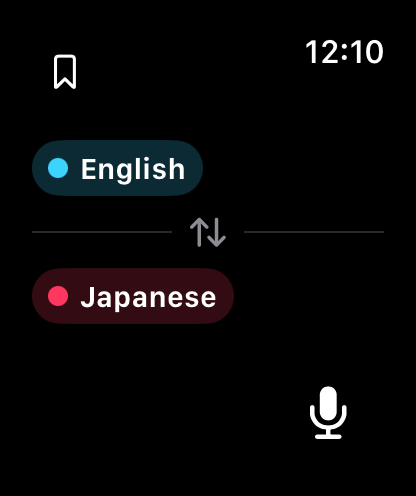
Translate with context.
Translate with context, tone, alternates, pronunciation help, and saveable results.
- ContextAdd the situation.
- ToneChoose how it sounds.
- AlternatesCompare translations.
- PronunciationRead and hear the result.

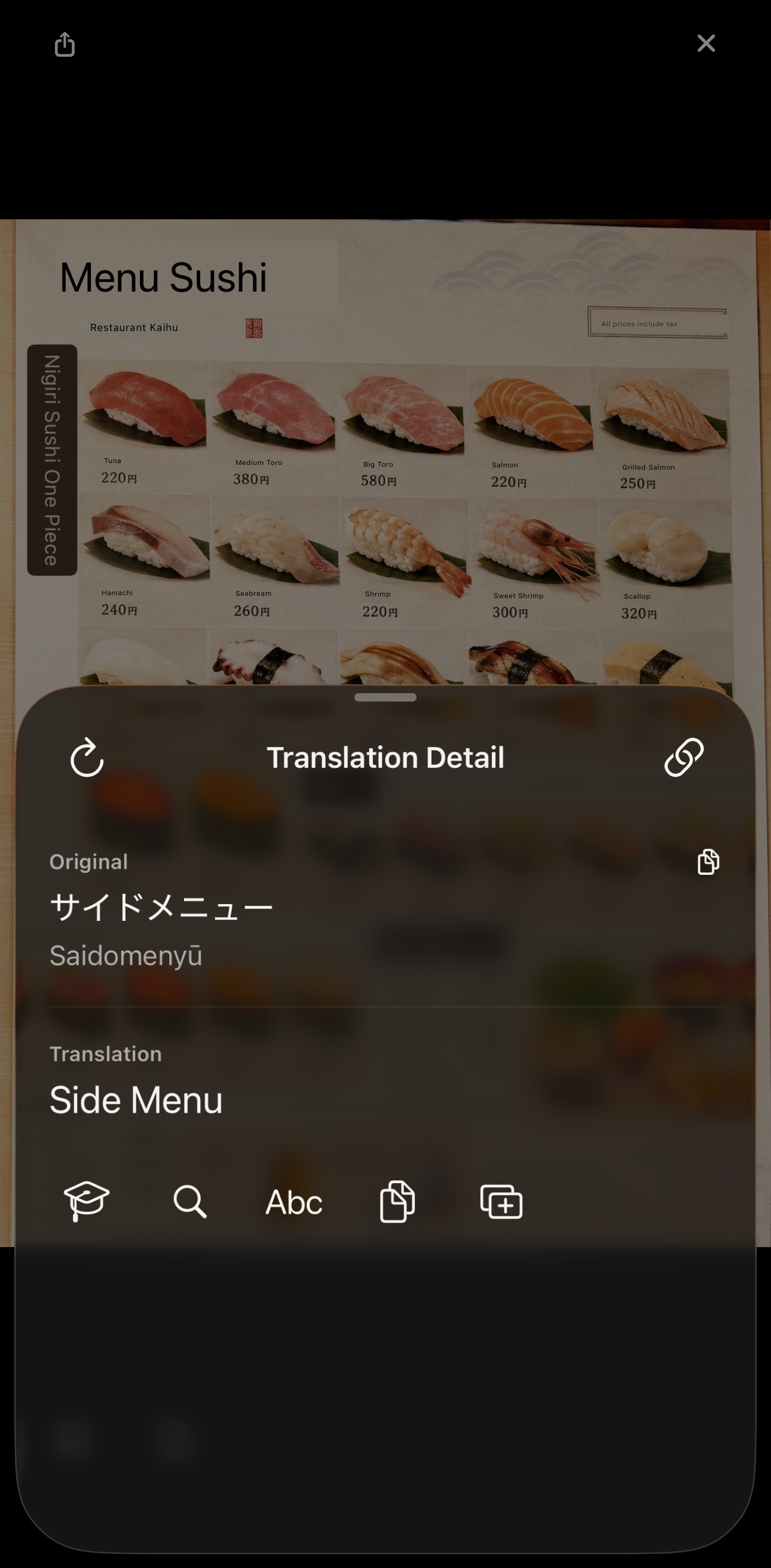
Scan and understand.
Point at text in the world and turn it into translation you can inspect, export, or study.
- Natural readingsGet romanization from scanned words and phrases.
- Clarify with AIAsk Pela to explain selected text.
- Multiline contextConnect related text blocks before translating.
- Document viewTurn scans into readable translated pages.
Remember what matters.
Save phrases from translations, tutor chats, camera scans, and live moments.
- Save from anywhereKeep phrases from translations, tutor chats, and camera scans.
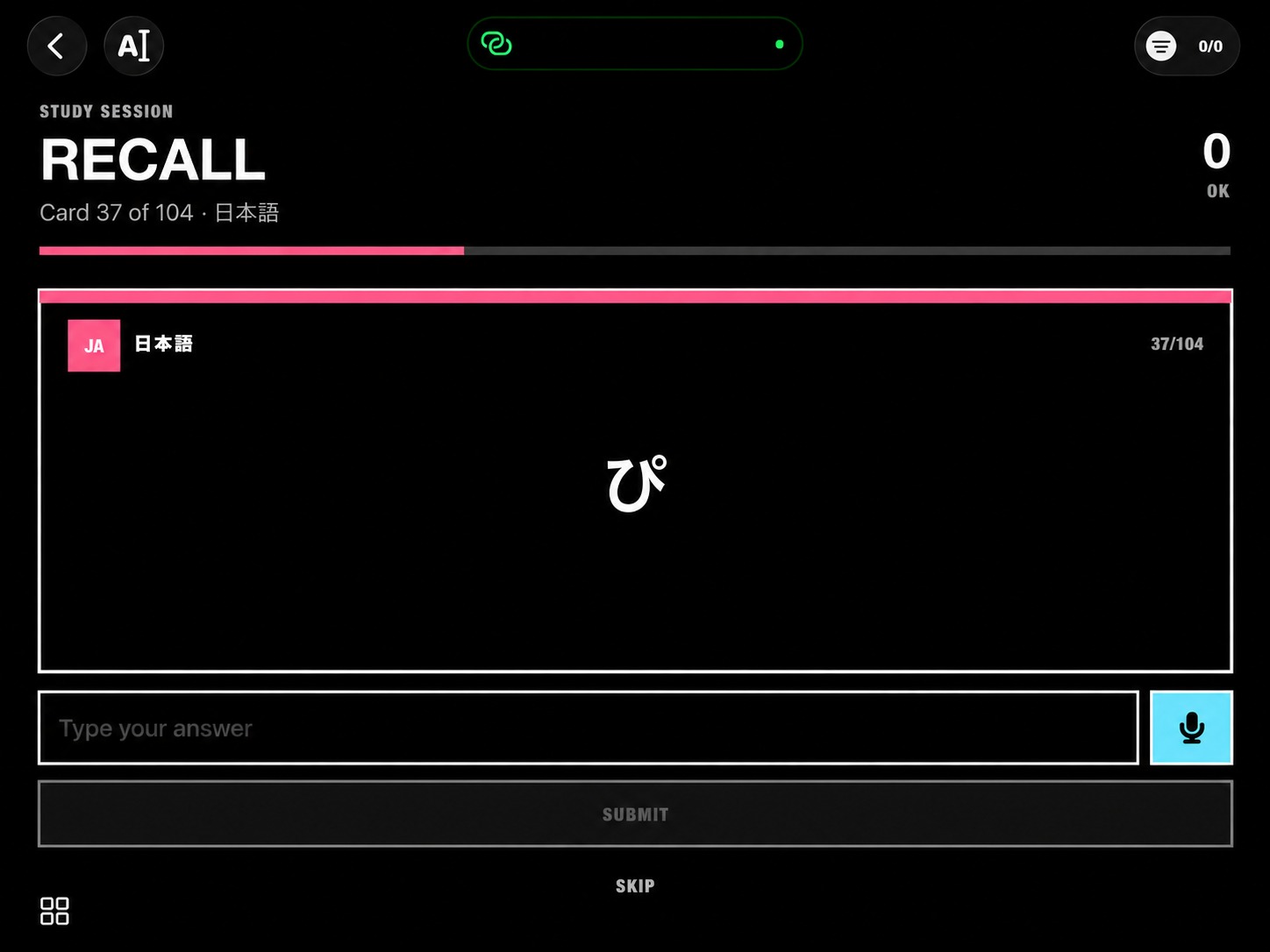
- AI flashcardsGenerate study cards from useful language.
- Card marketplaceDiscover decks for topics, levels, and languages.
- Track progressReview what needs more practice.
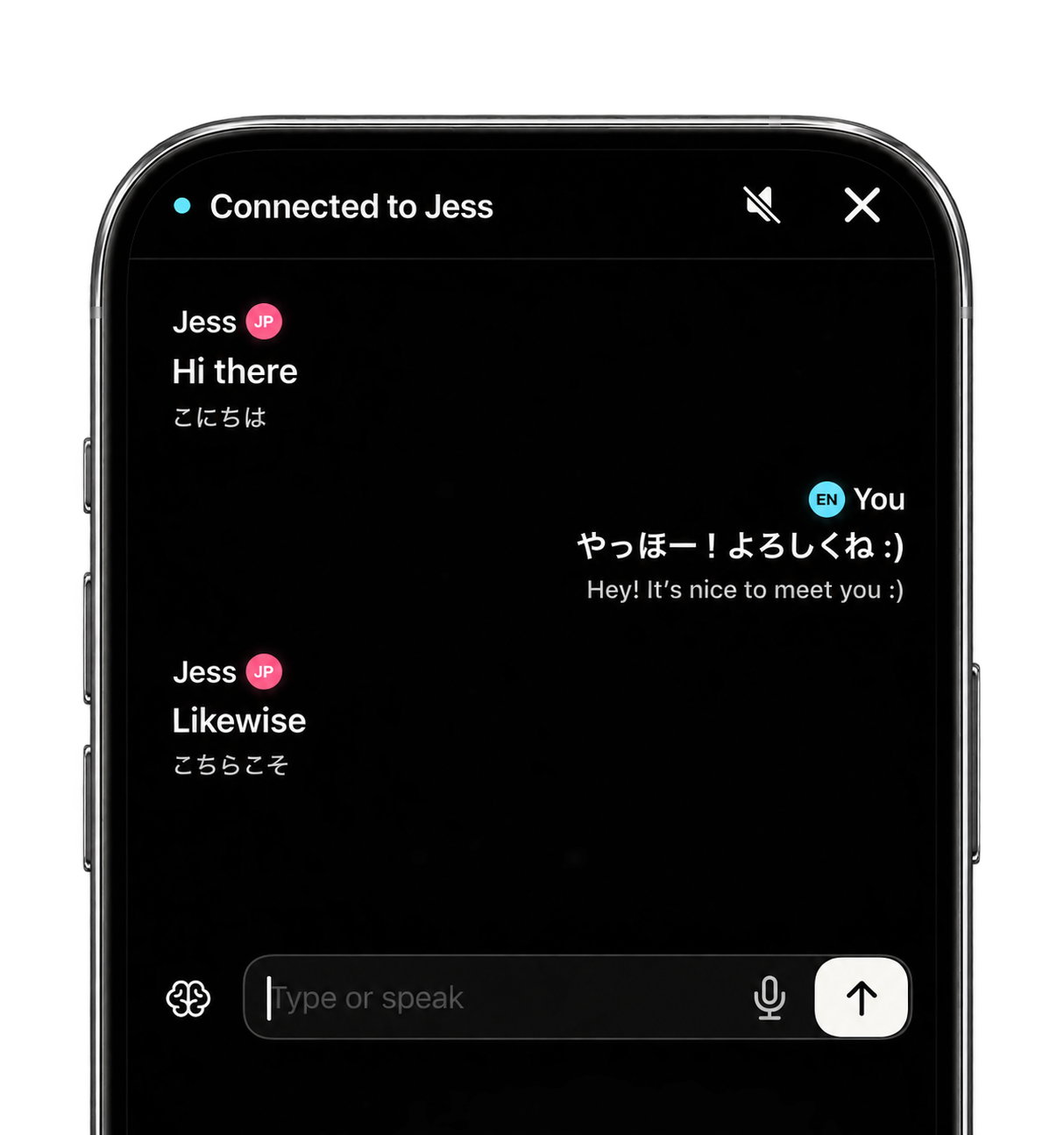
Communicate without barriers.
Connect by QR or code and keep conversations moving across languages.
- Choose how to connectUse speech-to-speech, speech-to-text, or text-to-speech.
- Peer to peerConnect one-on-one by QR code or access code.
- BroadcastsHelp one speaker reach many listeners.
- ChannelsCreate persistent chats for groups, events, and repeat conversations.
Keyboard
Translate, rewrite, autocomplete, and type multilingual text inside other apps.
One account. Every surface.
Pela started on the phone. Now the same language work follows you to the desktop, the browser, your coding agent, and your own software.
The Pela Portal runs in any browser.
Sign in at portal.pelapela.app to open Translate, Tutor, Chat, and your synced contacts — no install. Your account keeps every conversation, credit, and subscription detail together across web, iPhone, and Mac.
Open Pela portal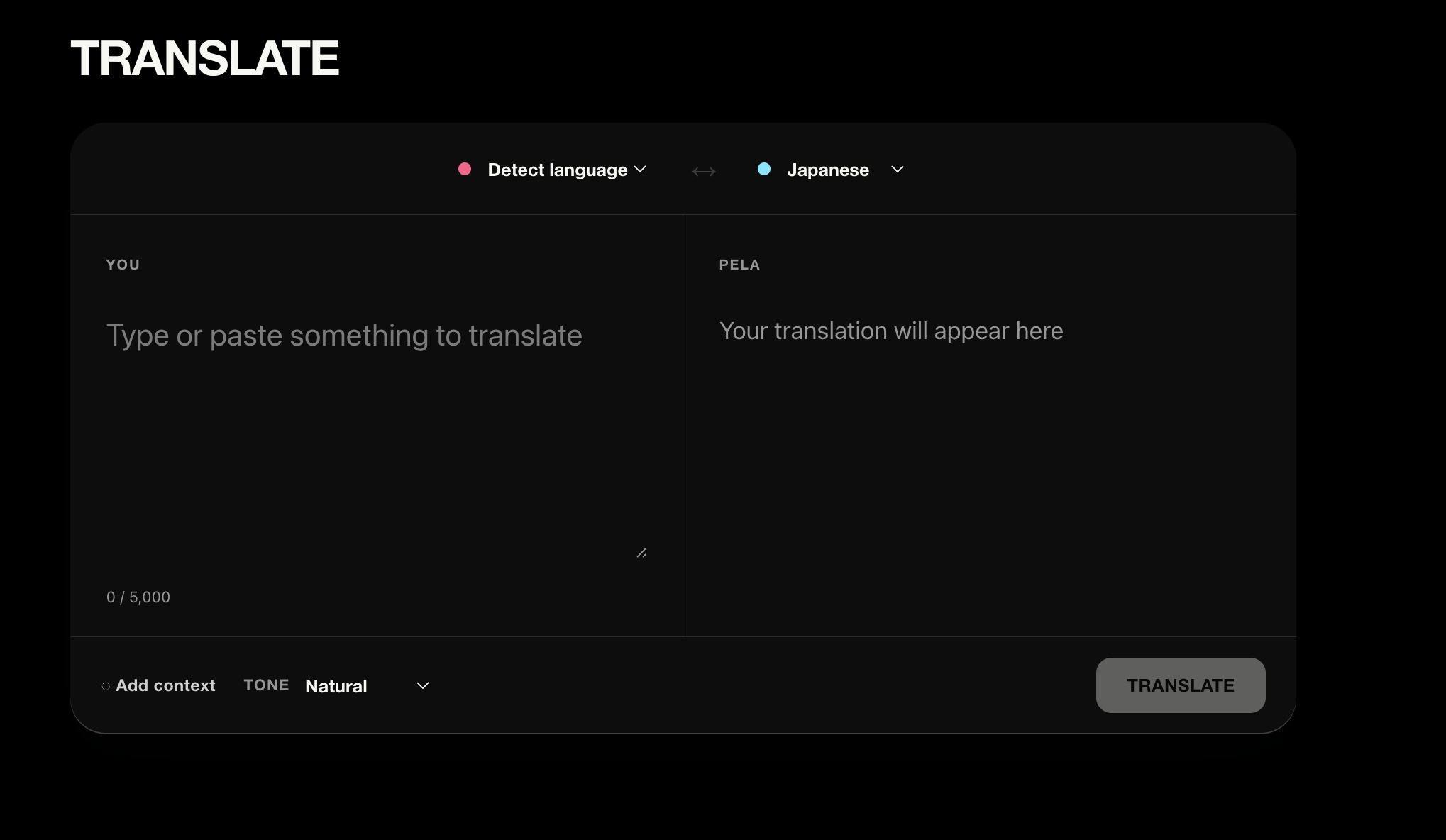
The portal asks you to sign in before opening the tools, so your work and subscription stay connected to your Pela account.
Pela for Mac, built for meetings.
The desktop app captures a live meeting and translates it as it happens — every speaker in the language you read, saved as a transcript you can reopen later.
- Live meeting translationReal-time transcription and translation of the room.
- Speaker awareEach voice tracked separately in the transcript.
- Saved to DocumentsEvery session kept as a searchable translated record.
- Same accountSign in with Apple or Google — synced with iPhone and web.
Pela Chat, one thread everywhere.
Ask why a phrase works, rehearse a conversation, or work through a translation. The thread continues wherever you pick it up — phone, Mac, or browser.
- Continuous across appsStart on iPhone, finish on the web.
- Context carries overPela remembers the language you are working in.
- Saved threadsReopen any past conversation from the portal.
Build on Pela.
The same translation engine, open to your tools: the Pela Translation API, a Model Context Protocol server, and a Pela agent skill for coding assistants.
- Translation APIOne POST to
/v2/translatewith your Pela key. Read the docs - PelaPela MCPTune any LLM's translation tone and script. MCP guide
- Agent skill
/pela:en-jp friendlyin your coding agent. - Your keysCreate and revoke API keys in Settings.
# Model Context Protocol server
npx pelapela-mcp

# Pela Translation API
curl -X POST https://app.pelapela.app/v2/translate \
  -H "Authorization: Bearer pela_xxx" \
  -d '{"text":["Hello"],"target_lang":"JA"}'
Pricing
One plan. Two ways to subscribe.
Choose monthly or annual billing, then compare App Store and Pela site pricing.
Standard, billed monthly
Pay as you go with the flexibility to cancel each month.
App Store
$9.99/ month
Subscribe and manage billing through Apple.
Pela site
1.5× credits$9.99/ month
Direct checkout and subscription management on Pela.
Includes 5,235 credits per month — 1.5× the App Store plan.
Auto-renews at $9.99/month unless you cancel before the next billing date. Cancel anytime in Account & Settings.
Cancel subscriptionStandard, billed annually
One payment for 12 months at a lower effective monthly price.
App Store
$79.99/ year
$6.67 per month equivalent
Subscribe and manage billing through Apple.
Pela site
1.5× credits$79.99/ year
$6.67 per month equivalent
Direct checkout and subscription management on Pela.
Includes 5,235 credits per month — 1.5× the App Store plan.
Auto-renews at $79.99/year unless you cancel before the next billing date. Cancel anytime in Account & Settings.
Cancel subscriptionPrices are in USD. Final availability and credits are confirmed at checkout.